Install it from the browser, with push notifications
Add One Bit Mail to your home screen or dock from the browser and it opens like any other app, full screen on phones. Notifications reach you even when it is closed.

What it does
No app store
Install it from the browser. It opens in its own window, starts faster and keeps your place.
Push notifications
Get a notification when new mail arrives in any mailbox you can open, even when the app is closed. Turn them on per device.
Unread badge
The app icon shows how many messages are unread in your inboxes, and the count drops as you read.
Several accounts
Sign in to up to 5 accounts in one browser and switch in one click. A notification opens the message as the right account.
Pull to refresh
On phones, pull the message list down to check for mail, the way your thumb expects.
Light and dark mode
The app follows your device's light or dark setting.
How it works
- 1
Open the app and sign in
Go to app.onebitmail.com in Safari on iPhone and iPad, Chrome on Android, or Chrome or Edge on a computer.
- 2
Install it
Choose Add to Home Screen on iPhone, Install app on Android, or the install icon in the address bar on a computer. Settings → Install app shows the steps for your device.
- 3
Turn on notifications
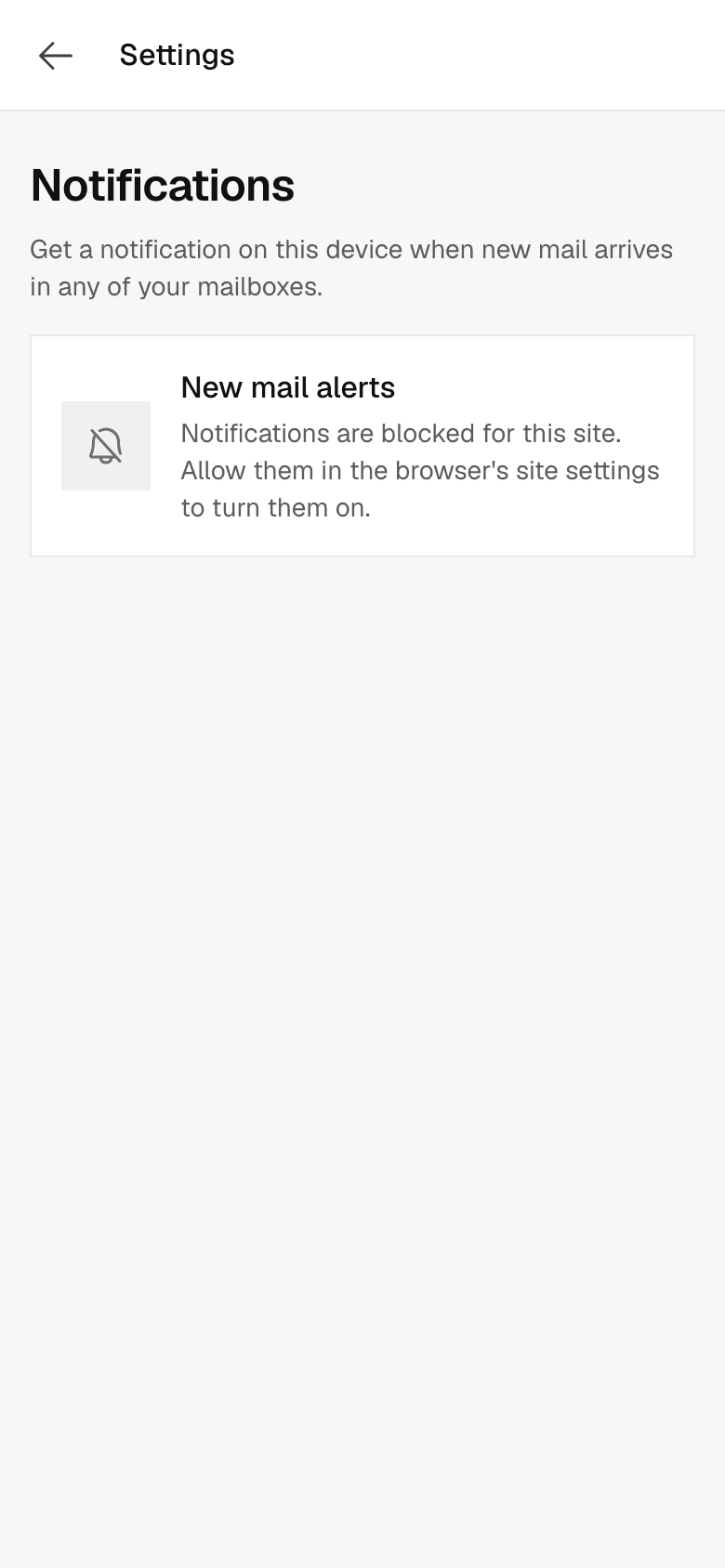
Open Settings → Notifications, turn them on and choose Allow. Choose Send test to check.
Questions, answered
More answers are in the help center, or write to support@onebitmail.com.
Do push notifications work on iPhone?
Yes, once One Bit Mail is added to your home screen and opened from there. iOS only allows notifications for installed web apps.
Is there an app in the App Store or Google Play?
No. You install One Bit Mail from the browser, on phones and computers alike.
Which browsers can get notifications?
Current versions of Safari, Chrome, Edge and Firefox. If notifications were blocked earlier, allow them in your browser first.
What happens if I remove the app?
Your mail stays on our servers. Sign in again in the browser at any time.
Read more in the help center
- Install One Bit Mail on your phone and computerAdd One Bit Mail to your home screen or dock so it opens like an app, with notifications and an unread badge.
- Get notifications for new mailTurn on push notifications per device, test them, and fix them when they do not show up.
- Allow notifications in your browserNotifications blocked? Allow them for One Bit Mail in Chrome, Edge, Firefox, Safari, on iPhone and iPad, and on Android.
- Sign in to One Bit MailSign in with your work address or a passkey, use several accounts in one browser, stay signed in, and sign out.
Related features
- The inboxConversations that stay together, search across every folder, keyboard shortcuts, undo send, delivery status for everything you send, and remote images blocked until you allow them.
- Workspaces on one planCreate a workspace for each company or brand. One plan covers them all, with shared limits and one invoice, while each workspace keeps its own admins, mail and sending history.
Start free,
add your team when you are ready
Every request is reviewed by hand. Approved workspaces start on the free plan.
Request access